01
Find a familiar melody
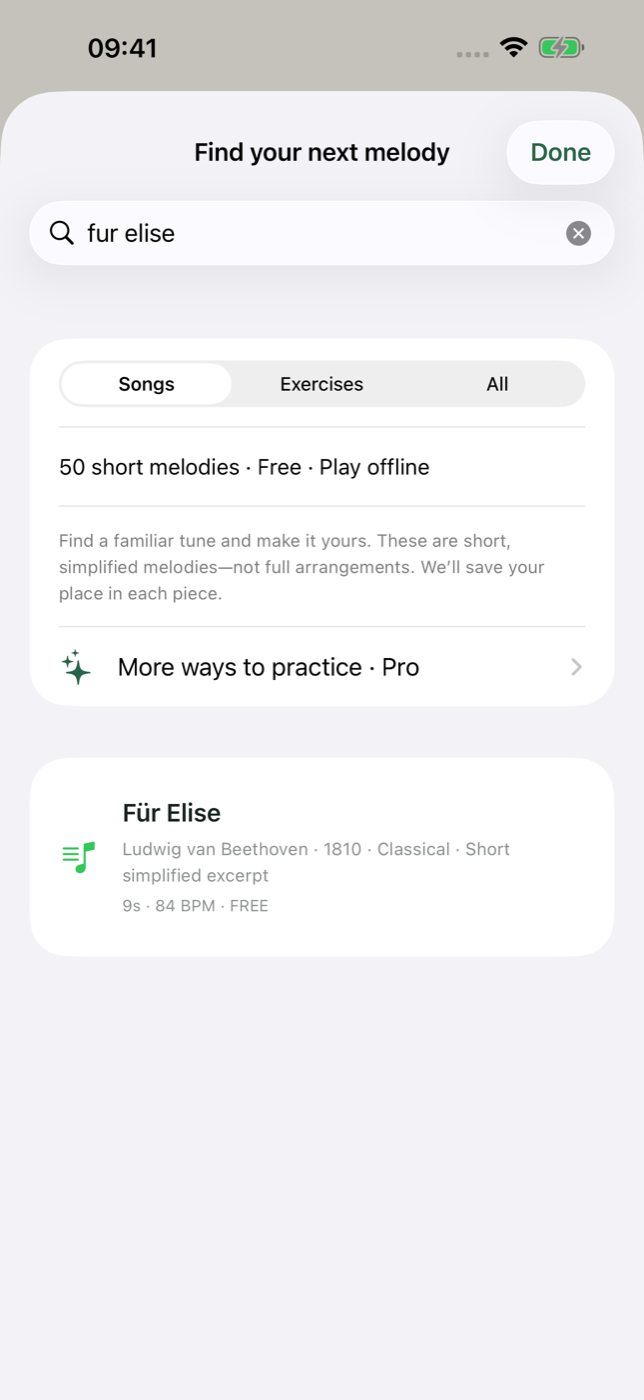
From Twinkle, Twinkle, Little Star to Für Elise: explore 50 simplified excerpts, search by title, and save your favorites. The built-in library works offline.
 keybloompiano
YOUR POCKET PIANO
Turn a few spare minutes into a melody you know. Tap the keys, follow the notes, and find your own rhythm — right on your iPhone or iPad.
Download on theApp Store ↗Free to download · No account needed · Optional Pro purchase
Available for iOS and iPadOS. Android is not available yet.
SMALL STEPS, REAL MELODIES
From Twinkle, Twinkle, Little Star to Für Elise: explore 50 simplified excerpts, search by title, and save your favorites. The built-in library works offline.
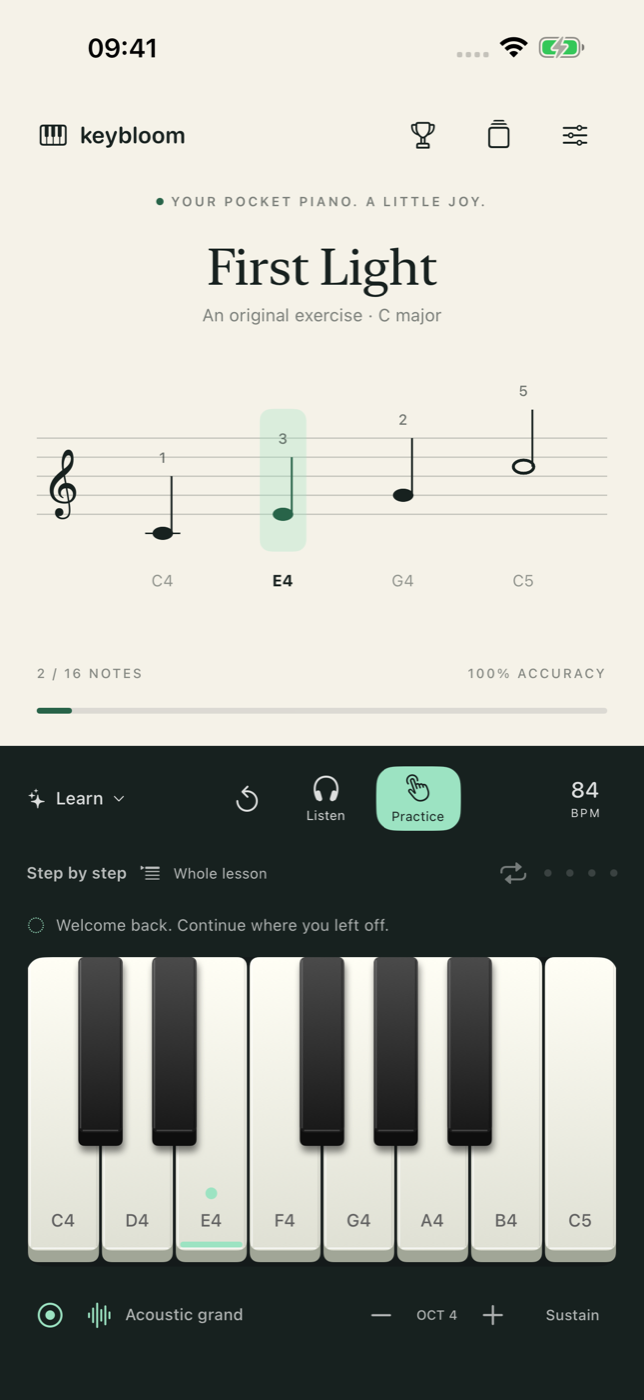
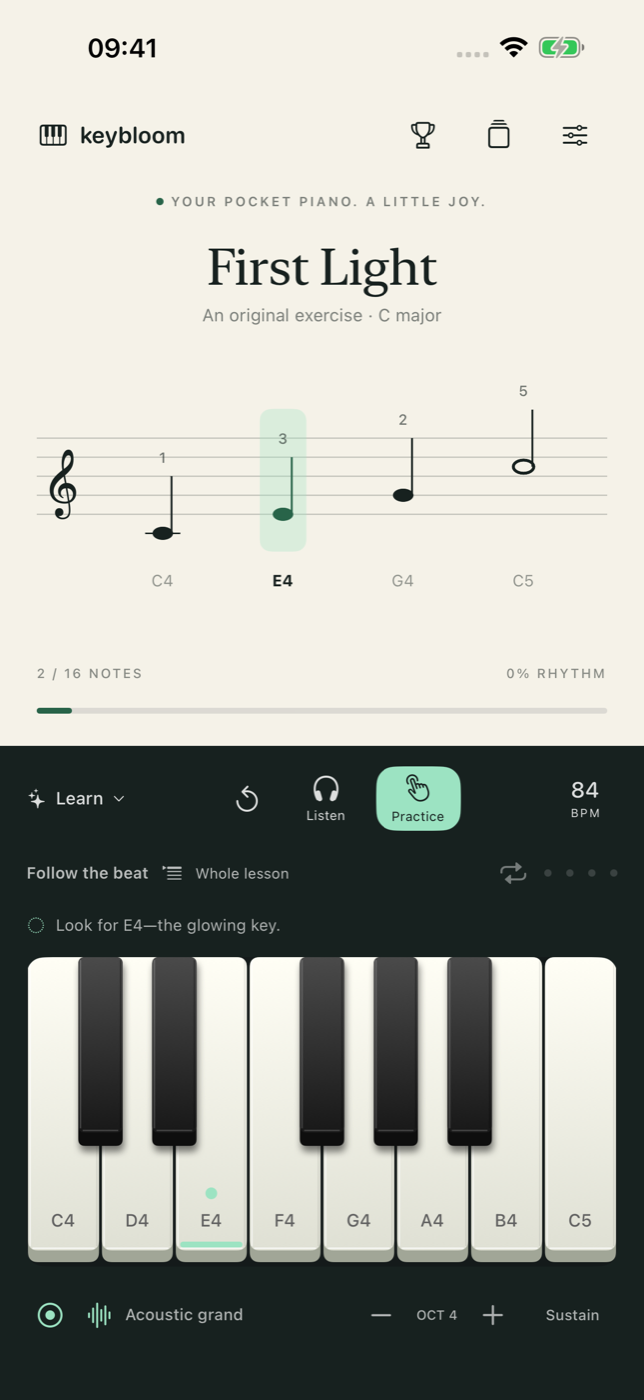
Step-by-step mode waits for your notes. Switch to Rhythm to work on timing, adjust the tempo, and repeat a phrase until it feels familiar.
Choose from three themes, show note names, and make the keys wider. You don’t need a separate piano to get started.
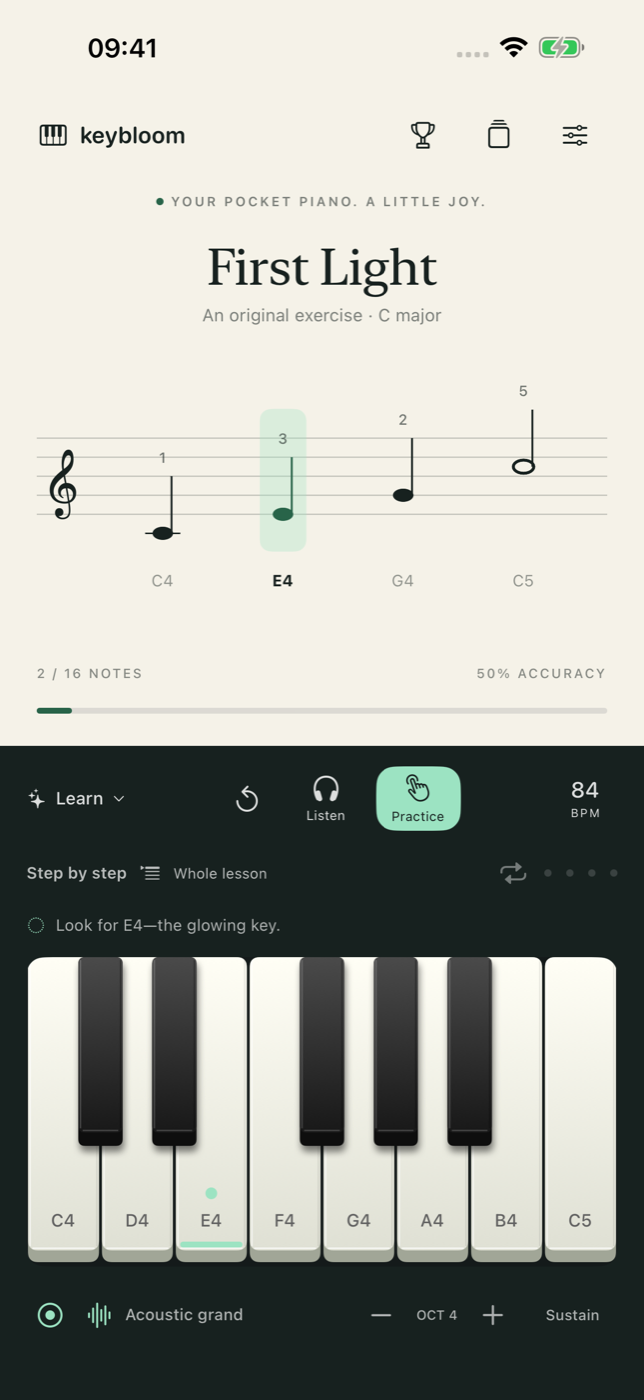
Screenshots from the app. Layout may vary by device and version. Lessons are short, single-note melody excerpts, not full original scores.
Find your footing with a seven-step beginner journey, set a daily goal, and follow your practice streak. Missing a day never takes away your progress.
For a little challenge, try Game Center ranked rounds on five starter lessons.
KEYBLOOM PRO
Keybloom Pro adds 10 lessons, custom loops, progressive tempo, practice history, and performance recording you can replay or export. One purchase. No subscription.
Optional in-app purchaseCOMING IN A FUTURE UPDATE
Search YouTube inside the app, save a reference, and watch a video beside the piano. Internet required. Play along manually; videos are not converted into scores or automatically graded.